BetGoat sign up: a crypto account without a phone number
BetGoat registration asks for three things: a username, an email address and a password. There is no phone field and no document check when you open the account.
This page walks through each step, shows how to switch on 2FA, explains when the operator may ask for verification and covers logging back in after a forgotten password.
updated regularly · · 21+
signup --check
- needs
- username, email, password
- does not need
- phone number, ID card
- time
- about 60 seconds
- documents
- requested at withdrawal
- next
- turn on 2FA
- age
- 21+
What BetGoat registration asks for
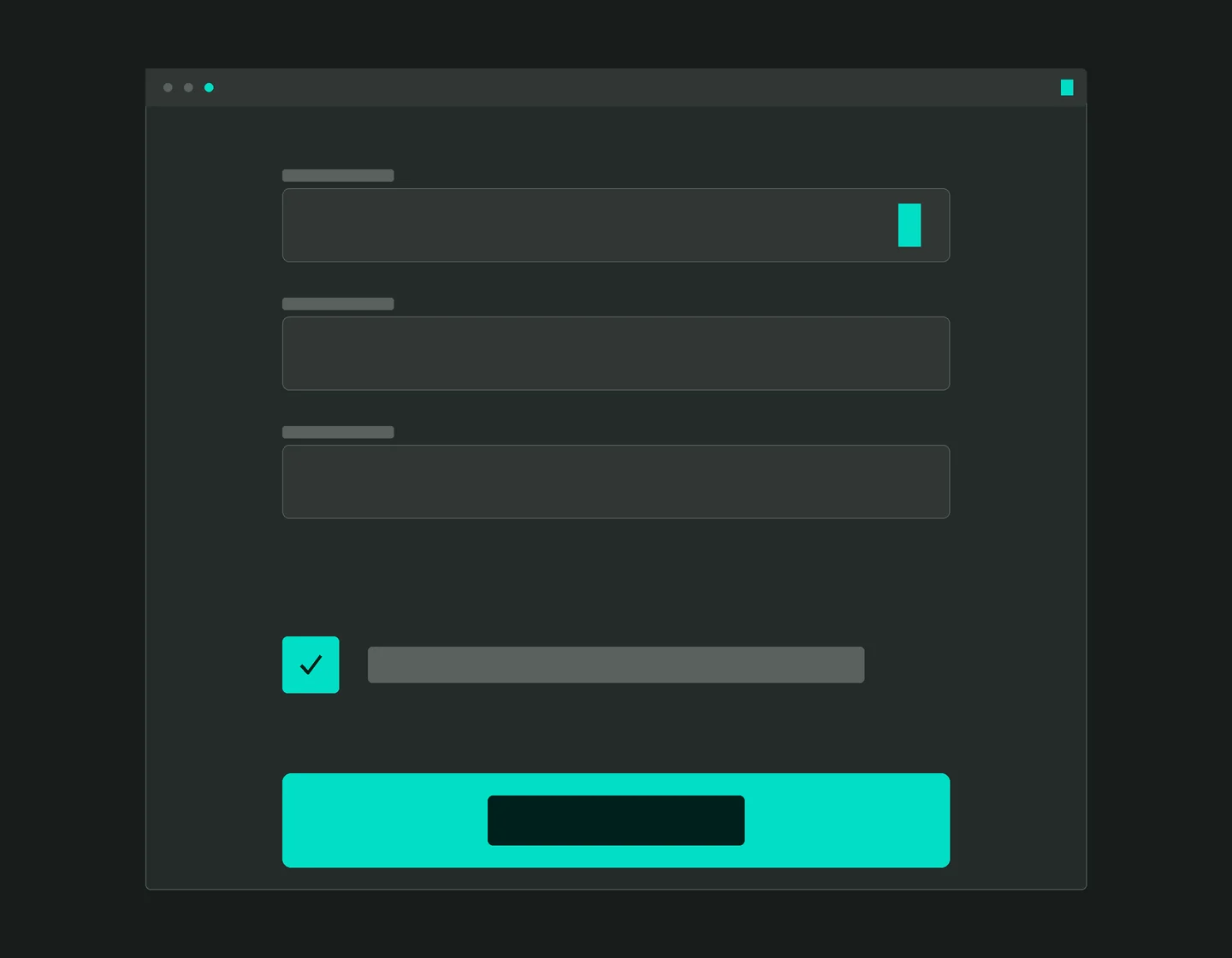
The BetGoat registration form has three fields and one tick box. There is no phone field, no date of birth and no document upload. Here is how to fill each field so that logging in and recovering the account later stay painless.
| Field | What goes in | Tip |
|---|---|---|
| username | The name you log in with | No real name needed; don't reuse a nickname from public forums |
| An inbox you can open right now | It handles confirmation and password resets, so pick one few people know | |
| password | A long string used nowhere else | A password manager beats a notes app here |
| terms | Confirm your age and accept the terms | Read the verification and withdrawal sections before you tick |
This page is for readers aged 21 and over. If that isn't you, stop here.
BetGoat sign up in 60 seconds
BetGoat says an account takes about a minute to create. The real time depends on how quickly the confirmation email arrives, and the button labels on your screen may differ slightly from the ones below.
- Go to the casinoUse the teal button at the top of this guide; BetGoat loads in a separate tab.
- Find the register buttonIt sits at the top of the page, next to the login link.
- Fill in three fieldsUsername, email, password. If you type with a Vietnamese keyboard, switch it off for the password so no accents slip in.
- Tick the boxAccept the terms, confirm your age and create the account.
- Confirm your emailOpen the inbox and click the confirmation link. No message? Look in spam and promotions.
BetGoat sign up does not ask for a deposit. You can create the account, turn on 2FA and look around the lobby and the promotions page before deciding whether to pay anything in.
Signing up with Google, Telegram or a wallet
Beyond the email form, BetGoat sign up also runs through Google, Telegram, a MetaMask wallet or Line. The table below helps you pick the route that fits you.
| Method | Handy because | Watch out for |
|---|---|---|
| email + password | Independent of any other account | You guard the password and inbox yourself |
| Quick, one less password | Lose Google access and you lose easy access here | |
| Telegram | Suits daily Telegram users | Turn on two-step verification for Telegram itself |
| MetaMask wallet | Log in with a wallet signature | Only sign login requests; never enter your recovery phrase |
Signing a login message with a wallet moves no money. If the wallet pop-up asks you to approve a token or send coins, it is no longer a login, so reject it.
BetGoat no KYC: how far it goes
The claim “BetGoat no KYC” holds at sign-up: the operator asks for no ID card, selfie or utility bill when you open an account. Documents come into play at withdrawal, mainly on larger sums or when you unlock extra account features.
! don't read too much into it
No documents at sign-up does not mean no documents ever. If you plan to withdraw a large amount, expect a verification request, and read the verification section of the terms before you deposit.
One thing worth doing from day one: use an email and username you are happy to link to real documents later. Accounts built on invented details can run into trouble when the operator asks for verification at withdrawal.
If you are asked for documents, upload them only in the verification section of your account after logging in. Anyone messaging you privately for a photo of your ID “to speed things up” does not work for the casino.
Turning on 2FA straight away
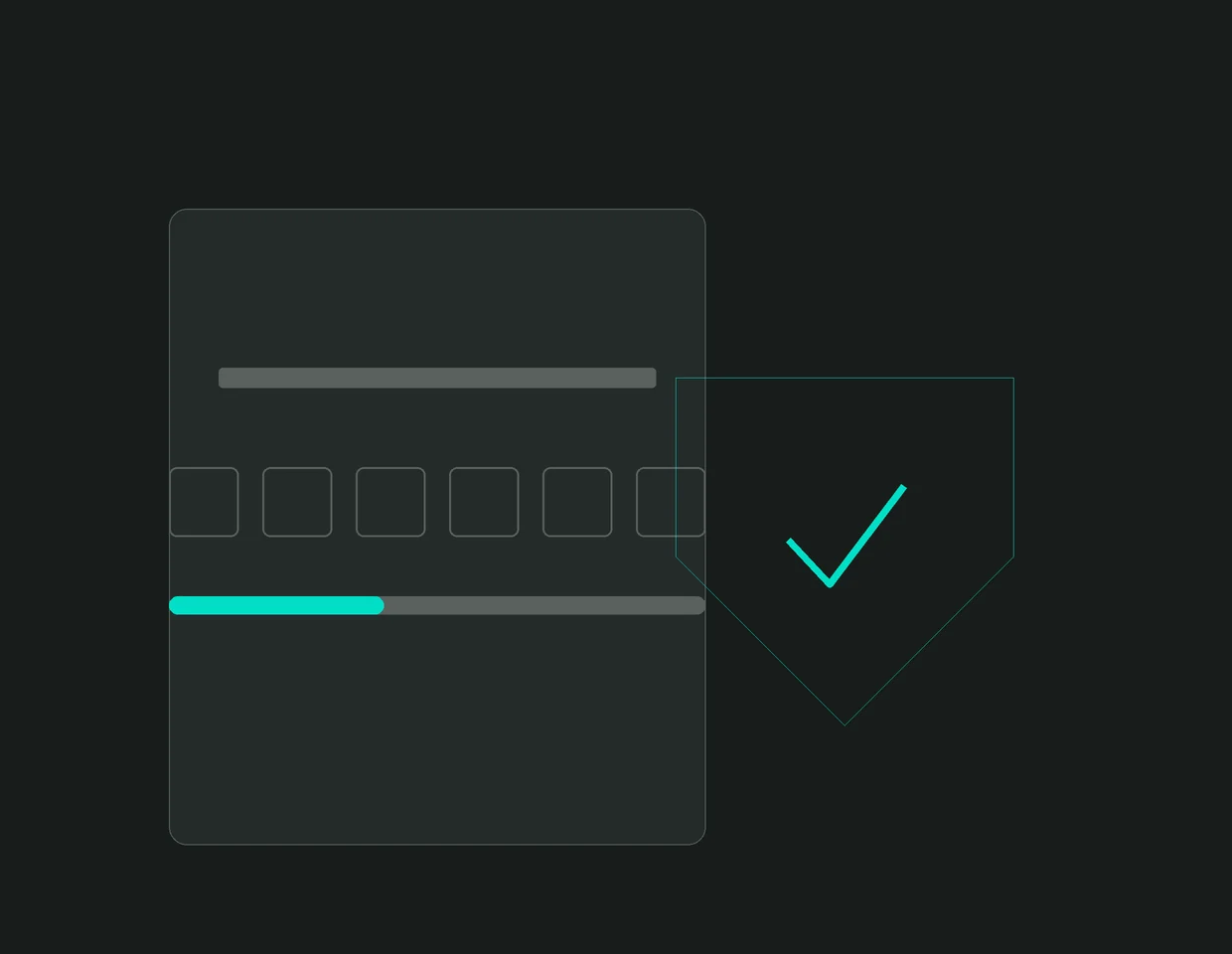
Right after BetGoat sign up is the moment for 2FA: on an account that holds crypto, a password alone is too thin. Two-factor authentication (2FA) adds a six-digit code that keeps changing, so someone who has your password still can't get in.
- Install an authenticatorPick a widely used code-generator app for your phone.
- Open the security settingsIn your account settings, find the security or 2FA section and choose to enable it.
- Scan the QR codeScan it with the authenticator, then enter the six-digit code to confirm.
- Store the backup codesWrite the backup codes on paper or keep them off the phone. Lose the handset without them and support has to reopen the account for you.
BetGoat login and password reset
BetGoat login takes your username or email plus password, and the 2FA code if you turned it on. If you created the account through Google or Telegram, use that button instead of typing a password.
- Use the right doorGo in through the button on this page or your pinned icon, never through a link in a stranger's message.
- Choose forgot passwordEnter the email you registered with and wait for the reset message.
- Set a new passwordMake it brand new, then confirm 2FA survived the reset.
Common BetGoat login errors and fixes:
| Error | Usual cause | Fix |
|---|---|---|
| wrong password | Telex or VNI typing slipped accents in, or Caps Lock is active | Switch to plain input and reveal the password with the eye icon |
| 2FA code rejected | The phone clock is a few minutes off | Set the time to automatic and try a fresh code |
| no reset email | Filtered as junk, or a typo in the address | Look in junk, give it a few minutes, request another, then ask support |
| odd-looking login page | Opened from a link in a chat group | Close the tab, come back through this page, change the password if you typed it |
Is there a BetGoat promo code?
The welcome offer runs on the promotions page without a BetGoat promo code of any kind: it is 100% up to 1,500 USDT on the first casino deposit, from 30 USDT, opted into on that page.
// first-deposit casino bonus · from 30 USDT
100% up to 1,500 USDT
21+ · full terms on the casino's promotions page · checked 17 Sep 2026
Claim the 100% bonusChat groups selling “VIP codes” or “private bonus codes” are a scam signal. A real code, if one ever appears, will sit on the promotions page once you log in. Other offers, if any, sit there too with their terms.
What to do once the account exists
After you create a BetGoat account, a sensible order is:
- turn on 2FA as described above;
- set up the BetGoat app in its web form, which is quicker to open and keeps fake APK files off your phone;
- read the BetGoat USDT deposit guide before moving a single coin, especially the part about networks;
- set a deposit limit for yourself.
For the lobby, licence and pros and cons, go back to the BetGoat Vietnam overview.
Create a BetGoat account: FAQ
tap a question to read the answer
Do I need a phone number to register?
No. The form only has username, email and password. That makes the email address important, because it handles confirmation and password resets.
Why hasn't the confirmation email arrived?
It tends to land in spam or promotions. If a few minutes pass with nothing, check the address you typed, press resend and then contact support.
Does the operator ask for an ID card?
Not at sign-up. Documents come into play when you withdraw, mainly on larger sums. Upload them only in the verification section of your account.
Is logging in with MetaMask safe?
Signing a login message moves no money. The risk is signing the wrong request, such as a token approval or a transfer. Read the wallet pop-up carefully and never type your recovery phrase into a website.
What if I forget my password?
Open the casino through the button on this page, choose forgot password, enter your registered email and follow the reset message. Then check that 2FA is still switched on.
What is the smallest deposit to start with?
30 USDT on a first deposit if you want the welcome offer. Withdrawals start from 20 USDT.
How do I claim the 100% up to 1,500 USDT offer after signing up?
It applies to the first deposit and needs no code. Open the promotions page, read the terms, opt in the way that page describes, then pay in.