BetGoat app: install the web app on Android and iPhone
BetGoat ships a phone-first web app rather than an APK, so you install it straight to your home screen as a PWA. It takes about a minute and downloads no file.
The app button opens the operator's mobile site in a new tab, with install steps for Android and iPhone below.
updated regularly · · 21+
check app
- apk
- none
- google play
- none
- app store
- none
- web app (pwa)
- yes
- unknown sources
- not needed
- account
- same as the web version
The BetGoat APK question, answered
BetGoat builds its whole interface for phone screens first and ships it as a web app, so no BetGoat APK carries the brand's name and there is no entry in either app store. You install the web app straight to your home screen in about a minute.
| Where you find it | What it really is | Use it? |
|---|---|---|
| operator's web version | The real site, installable on the home screen as a PWA | yes |
| “download APK” pages | Third-party sites offering files of unknown origin | no |
| APK mirror stores | There is no original to mirror, so any file with the brand's name was built by someone else | no |
So whenever this guide says “BetGoat app”, it means the web version pinned to your home screen. The Open BetGoat on mobile button opens that same web version and downloads nothing to your phone.
Risks of a BetGoat app download from other sites
Any BetGoat app download offered as a file comes from somebody other than the operator, which ships a web app instead. Whoever built that file had their own reasons, and with crypto players the target is the wallet.
! fake “BetGoat app” pages
- The file asks to read SMS, use accessibility services or draw over other apps. A betting app has no need for any of these.
- A cloned login screen copies the casino's look to capture your password and 2FA codes.
- A “deposit helper” app shows the scammer's wallet address in place of the one in your account.
- The download page wants your wallet recovery phrase “to link your account”.
If you already installed something like this, uninstall it, change the casino password from a different device, reset 2FA and check your withdrawal history. If that phone also holds a crypto wallet, treat the wallet as exposed and move the funds to a new wallet created on a clean device.
What a PWA is and why it's enough
A PWA (progressive web app) is a website your browser lets you “install” as its own icon. Tap the icon and the site opens in a tidy window without an address bar, looking much like a regular app.
The difference is under the surface. A PWA has no installer file, never passes through an app store and updates itself whenever the operator changes the site. It only gets the permissions a browser allows, so it cannot read your messages or contacts.
Used as a BetGoat app, the web version covers everything: signing up, depositing USDT, playing and withdrawing all happen in the same window.
Installing the BetGoat PWA on Android
Chrome is the most reliable choice on Android. Other browsers have a similar option, though it may carry a different label.
- Open it in ChromeStart from the mobile button on this guide. If another browser pops up, copy the link and reopen it in Chrome.
- Let the page loadYou can log in now, before adding the icon.
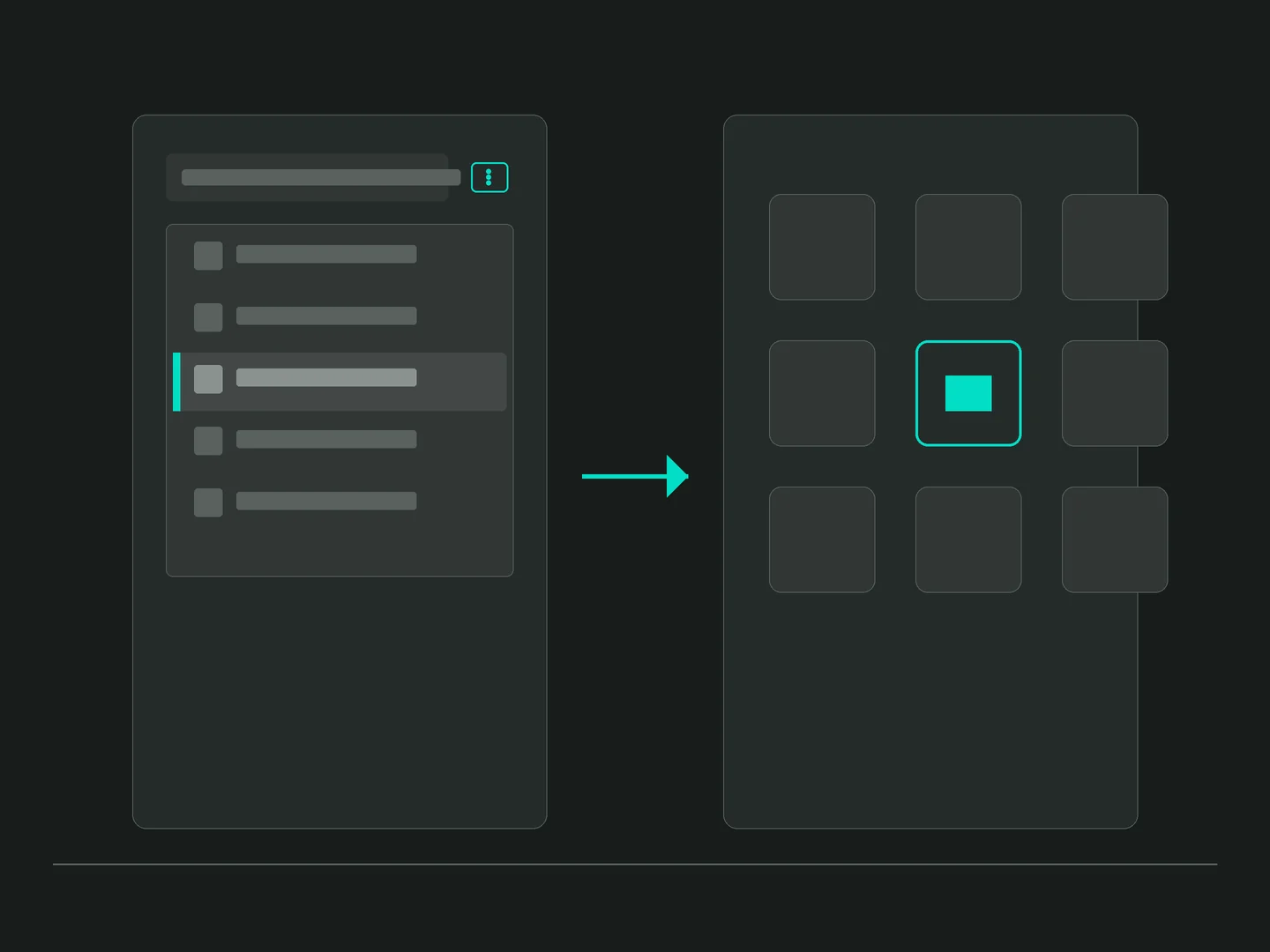
- Open the three-dot menuThe ⋮ button sits in Chrome's top-right corner.
- Add to home screenTap “Add to Home screen”. If Chrome shows “Install app” instead, choose that.
- ConfirmTap Add. The icon appears next to your other apps.
The BetGoat PWA route never asks you to allow installs from unknown sources. If a tutorial tells you to switch that setting on, it is steering you toward an APK file, not the web version.
Adding BetGoat to an iPhone home screen
The App Store has no BetGoat app listing, but an iPhone can pin any website to the home screen through Safari.
- Open it in SafariStart from the same mobile button on this guide. If a chat app opens it in its own viewer, switch to Safari.
- Log in if you likeYou can do it now or later.
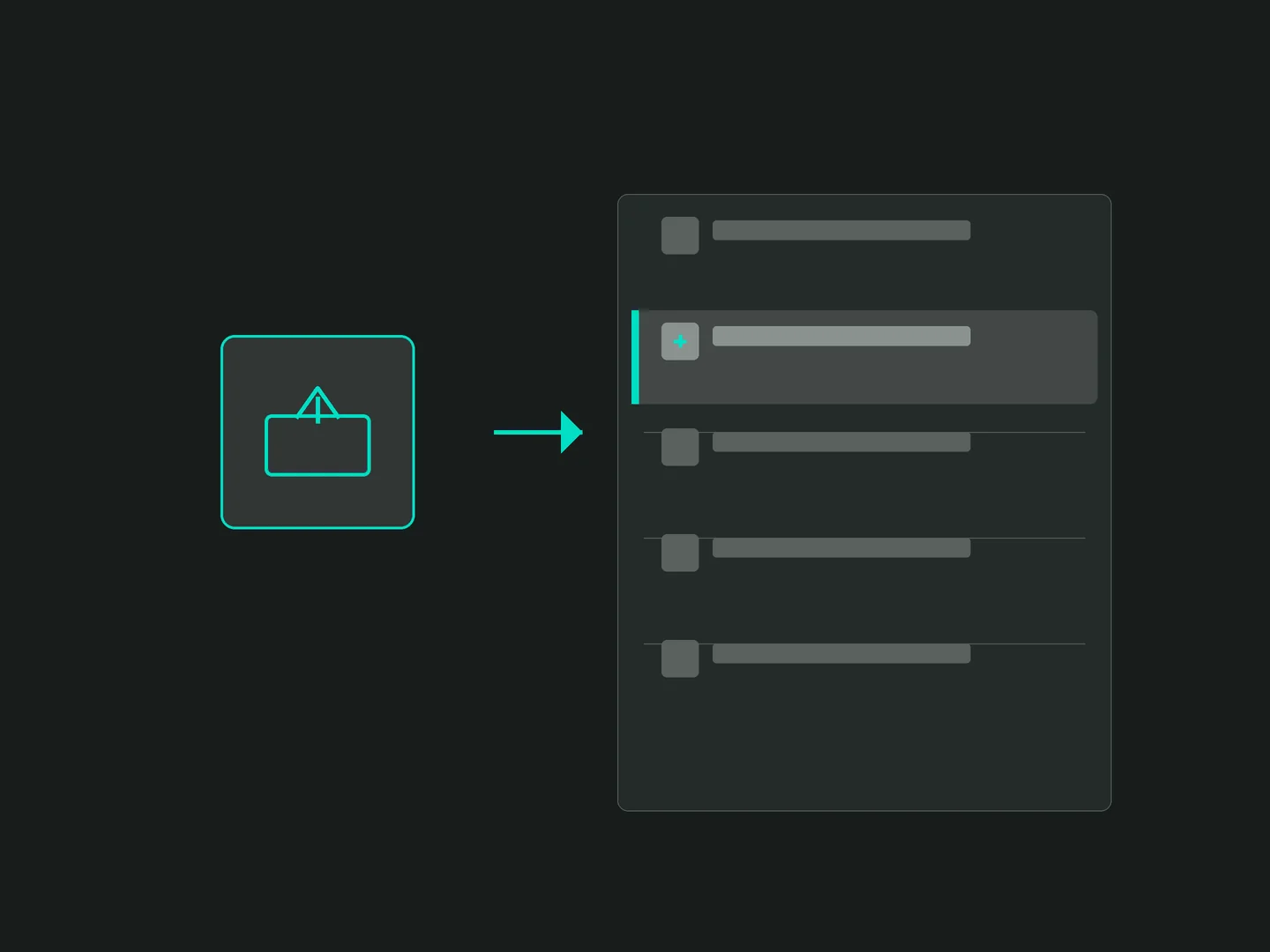
- Tap ShareIt looks like a box with an arrow pointing up; some iOS versions place it at the top instead of the bottom.
- Choose “Add to Home Screen”It may sit further down the share sheet.
- Name it and tap AddA short name is easier to spot among your other apps.
! no profile needed
This method installs no configuration profile and never asks you to “trust a developer” in Settings. A page that wants those steps before giving you the casino on iPhone is a red flag, so close it.
BetGoat mobile app vs a native app
Is the BetGoat PWA second best? The table compares the two on the points players ask about.
| Point | The operator's PWA | Native apps in general |
|---|---|---|
| storage | Takes almost no space | Often tens of MB or more |
| updates | Change with the website | Need a new download |
| permissions | Browser permissions only | Can request extra access |
| install source | The browser | App store or a file |
| notifications | Handled by the browser | Handled by the operating system |
| account | The same account as on the web | Depends on the operator |
The real weakness of the BetGoat mobile app in web form is its reliance on the browser: clear the browser's data and you log in again, and a few less common browsers lack the home screen option.
Keeping a crypto phone safe
A phone running the BetGoat mobile app may also hold a crypto wallet, so a few extra minutes are worth it:
- turn on 2FA through an authenticator app rather than relying on the password alone;
- never screenshot your wallet recovery phrase, since photos tend to sync to the cloud;
- use a screen lock, and log out if anyone else uses the phone;
- set a weekly deposit cap, because sessions on a phone tend to run longer than planned.
Removing or fixing the BetGoat icon
The icon is only a shortcut to the website. Deleting it removes neither your account nor your balance, because both live on the operator's servers.
| Symptom | What to try |
|---|---|
| blank white screen | Open the casino in the normal browser; if it works there, delete the icon and add it again |
| no add option | Update Chrome or iOS, and use Chrome or Safari instead of a chat app's browser |
| logged out all the time | Check whether a cleaner app wipes browser data, and don't use a private tab |
| want it gone | Android: press and hold, then uninstall. iPhone: press and hold, then remove from the home screen |
Once the BetGoat app icon is in place, the next step is BetGoat sign up if you don't have an account yet, then the guide to USDT deposits on mobile. The lobby, licence and offer are covered on the BetGoat Vietnam overview.
// first-deposit casino bonus · from 30 USDT
100% up to 1,500 USDT
21+ · full terms on the casino's promotions page · checked 17 Sep 2026
Claim the 100% bonusBetGoat app questions for Android and iPhone
tap a question to read the answer
How do I install the BetGoat app on a phone?
Open the web app in Chrome on Android or Safari on iPhone, then choose add to home screen. The icon lands beside your other apps and opens straight into your account.
What does my phone need?
A current build of Chrome or Safari and a steady connection. This route needs no install storage, no unknown-sources permission and no configuration profile.
Are BetGoat APK files found online safe?
Don't use them. The operator ships a web app rather than an APK, so every file with that name was built by somebody else and may carry code that steals passwords or wallet funds.
Does the web app need updates?
No action needed. The icon opens the live site, so any change the operator makes shows up the next time you tap it.
Do I need to trust a profile on iPhone?
No. Adding the site through Safari's Share button installs no profile. A page asking you to install a profile or trust a developer is a warning sign.
Can I claim the 100% up to 1,500 USDT offer on my phone?
Yes. The mobile web app shares one account with desktop, so the first-deposit offer works the same in both places.
Does removing the icon delete my account?
No. The icon is just a shortcut. Your account and balance sit on the operator's servers, and logging in from the browser brings them back.